
There are hundreds of “AI video tools” in 2026. Most of them are wrappers around the same handful of underlying models. The list below cuts through the noise: 15 tools — generative video models, voice tools, music, talking-head video, and editor-level platforms — that actually deliver scroll-stopping Reels and Shorts, with pricing, learning curve, and the one thing each is genuinely best at.
TL;DR — best AI video tools for Reels & Shorts
- Generative video: Sora, Veo, Runway, Kling, Luma, Pika.
- Voice & dubbing: ElevenLabs, HeyGen.
- Music: Suno, Udio.
- Edit / assembly: CapCut AI, Adobe Premiere with Firefly, Descript, Opus Clip.
- Best all-in-one for solo creators: CapCut AI + ElevenLabs + Suno covers 90% of weekly Reels output.
Selection criteria
Tools made this list if they hit four out of five: native vertical (9:16) output, commercial-use rights cleared, <30-minute learning curve, working free trial, and a documented community of creators using it in production. Pricing is May 2026 listed plans; quotas and feature gates change frequently.
Generative video models
1 · Sora (OpenAI)
Pricing: Included with ChatGPT Plus ($20/mo) up to a quota; Pro ($200/mo) for higher quotas and 1080p. Learning curve: Low. Best for: Cinematic short-form with strong prompt adherence and good text rendering in-frame. The default starting point if you already pay for ChatGPT.
2 · Veo (Google DeepMind)
Pricing: Bundled with Google AI Premium and via Vertex AI; pay-per-second on enterprise. Learning curve: Low. Best for: Photoreal output with strong physics and camera-motion control. Especially good for product video.
3 · Runway Gen-3+
Pricing: Free tier; Standard $15/mo; Pro $35/mo; Unlimited $95/mo. Learning curve: Low. Best for: Image-to-video workflows, brush-based editing, motion control. The all-rounder most agency teams keep open.
4 · Kling (Kuaishou)
Pricing: Free with daily quota; paid plans from $10/mo. Learning curve: Low. Best for: Long single-take generations (up to 2 minutes), strong human-figure consistency. Excellent for narrative Reels.
5 · Luma Dream Machine
Pricing: Free tier; Standard $9.99/mo; Pro $29.99/mo. Learning curve: Very low. Best for: Fast experimentation, mood/aesthetic exploration, image-to-video with strong style transfer. The “open and play” tool.
6 · Pika
Pricing: Free tier; Standard $10/mo; Pro $35/mo. Learning curve: Low. Best for: Stylized, animated, and meme-format video. The strongest community for short-form aesthetic effects (Pikaffects, Pikadditions).
Voice & dubbing
7 · ElevenLabs
Pricing: Free tier; Starter $5/mo; Creator $22/mo; Pro $99/mo. Learning curve: Very low. Best for: Voice cloning, brand-voice, multilingual narration. The default voice tool for serious creators. 40+ languages including all major Indian languages.
8 · HeyGen
Pricing: Free tier; Creator $24/mo; Team $69/mo per seat. Learning curve: Low. Best for: AI avatars and talking-head Reels without filming. Strong for educator-style content, explainer Reels, and personalized outreach video at scale.
Music & sound
9 · Suno
Pricing: Free tier; Pro $10/mo; Premier $30/mo. Learning curve: Very low. Best for: Generating commercial-use original music in seconds — full songs with vocals, custom genres. The Reels go-to.
10 · Udio
Pricing: Free tier; Standard $10/mo; Pro $30/mo. Learning curve: Very low. Best for: Instrumental and cinematic scoring — slightly better at orchestral/ambient than Suno, similar at pop. Many creators use both.
Editing & assembly
11 · CapCut (AI features)
Pricing: Free; Pro $9.99/mo. Learning curve: Very low. Best for: Fast vertical edits with AI captions, auto-cuts, background removal, voice cloning, trending templates. The most-used editor for Reels at any scale.
12 · Adobe Premiere Pro with Firefly
Pricing: $22.99/mo. Learning curve: Medium. Best for: Pro-grade editing with AI-assisted color, audio cleanup, generative fill, and text-based editing. The standard for agency-grade output.
13 · Descript
Pricing: Free tier; Hobbyist $12/mo; Creator $24/mo. Learning curve: Low. Best for: Transcript-based editing — cut video by deleting text. The fastest tool for talking-head Reels and podcast clips.
14 · Opus Clip
Pricing: Free tier; Starter $9/mo; Pro $29/mo. Learning curve: Very low. Best for: Auto-clipping long-form video (podcasts, lectures) into viral Reels & Shorts. Built-in virality scoring.
15 · Pencil
Pricing: From $119/mo for teams. Learning curve: Medium. Best for: Brand-led teams generating dozens of Reels variants from a single brief, plugged into Meta/TikTok performance data. The “operationalize Reels at scale” tool.
How to pick — by use case
| If you are… | Start with |
|---|---|
| A solo creator shipping 5+ Reels/week | CapCut AI + ElevenLabs + Suno |
| A SaaS marketing team doing weekly testimonial Reels | HeyGen + Descript + Opus Clip |
| A D2C brand running performance ads | Runway + Pencil + Premiere/Firefly |
| An agency producing branded Reels at scale | Sora/Veo + Runway + Premiere + ElevenLabs |
| An educator turning lectures into clips | Opus Clip + CapCut AI |
| An e-commerce team doing product Reels | Veo + Pika + CapCut AI |
Workflow tips for Reels & Shorts
- Hook in 1.5 seconds. Generate the hook shot before anything else. If it doesn’t stop the scroll alone, the rest doesn’t matter.
- Caption everything. 85% of Reels are watched muted. CapCut, Opus Clip, and Descript auto-caption — turn it on by default.
- Vertical-native generation. Don’t generate landscape and crop to vertical — generate 9:16 directly. Most major models support it.
- 3-take rule. Always generate 3 takes per shot. The first is rarely the best.
- Use platform-native music when possible. Reels’ trending audio still beats AI music for organic reach. Use AI music for paid placements.
- Disclose AI use at upload. Required on Meta in 2026. C2PA content credentials handle it automatically when embedded.
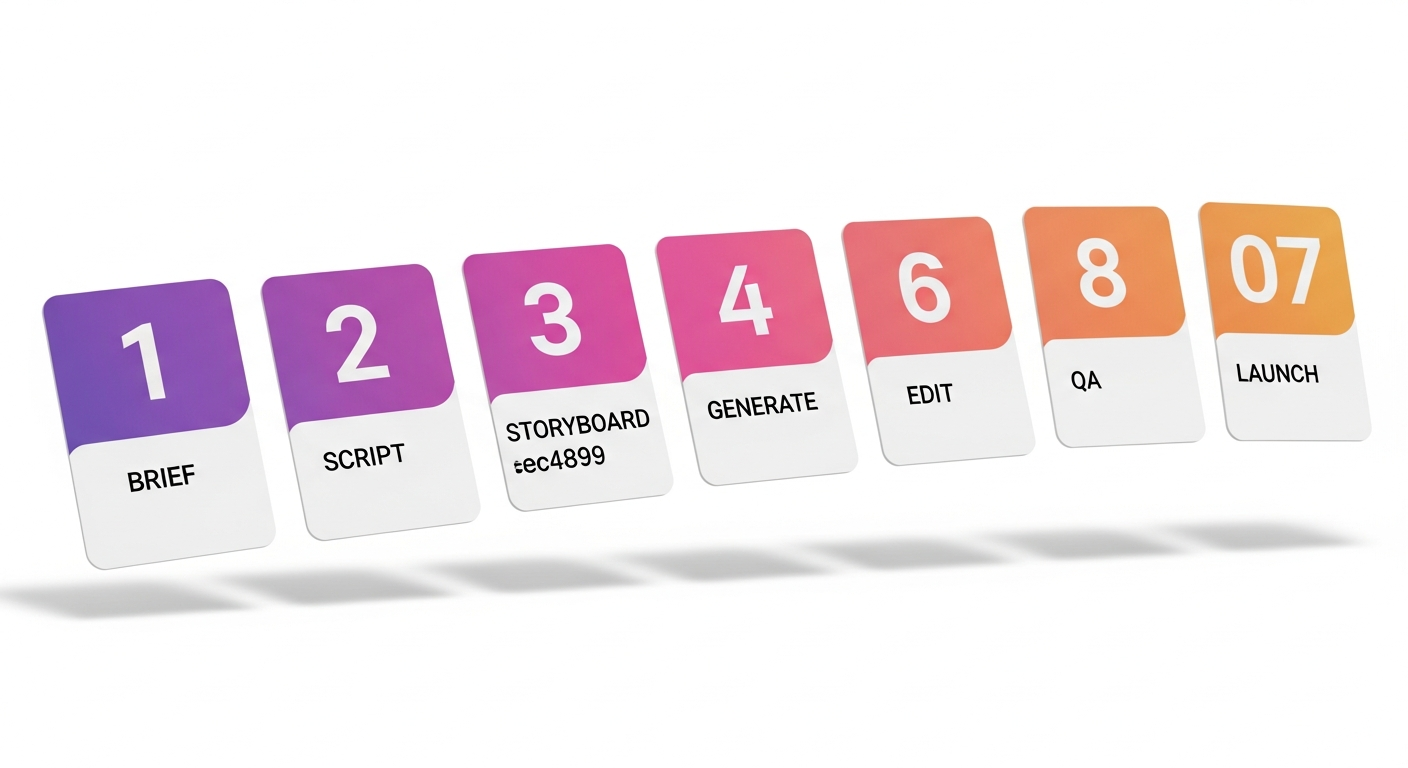
For the full 7-step process behind professional AI Reels production, see How to Create AI Marketing Videos: A 7-Step Process. For product-Reels specifically, see AI Product Videos for E-commerce.
Don’t want to learn 15 tools?
Hand us the brief and a brand kit. We run the entire stack and ship 5–10 Reels variants ready to upload — no learning curve required.
FAQ — AI video tools for Reels
What is the best AI video tool for Instagram Reels in 2026?
For most solo creators, the combo of CapCut AI + ElevenLabs + Suno covers 90% of Reels output at <$25/month total. Add Runway or Veo when you need bespoke generated footage.
Are AI video tools free?
Most have a free tier with daily or monthly quotas: Runway, Luma, Pika, ElevenLabs, Suno, Udio, CapCut, Descript, Opus Clip. Paid plans start around $9–$25/month for serious creator volume.
Can I monetize Reels made with AI tools?
Yes, on every major commercial AI video tool — all tools listed grant commercial-use rights on paid plans (and most free plans). Always check the specific licence and disclose AI generation at upload.
Which AI tool gives the most realistic video?
Sora and Veo lead on photoreal output in mid-2026. Runway and Kling are very close, with Kling stronger on long-take coherence and human figures.
Do I have to disclose AI-generated Reels?
Yes — Meta requires AI-generated or AI-altered content to be labelled. The label is often applied automatically when C2PA content credentials are embedded by the generating tool.